
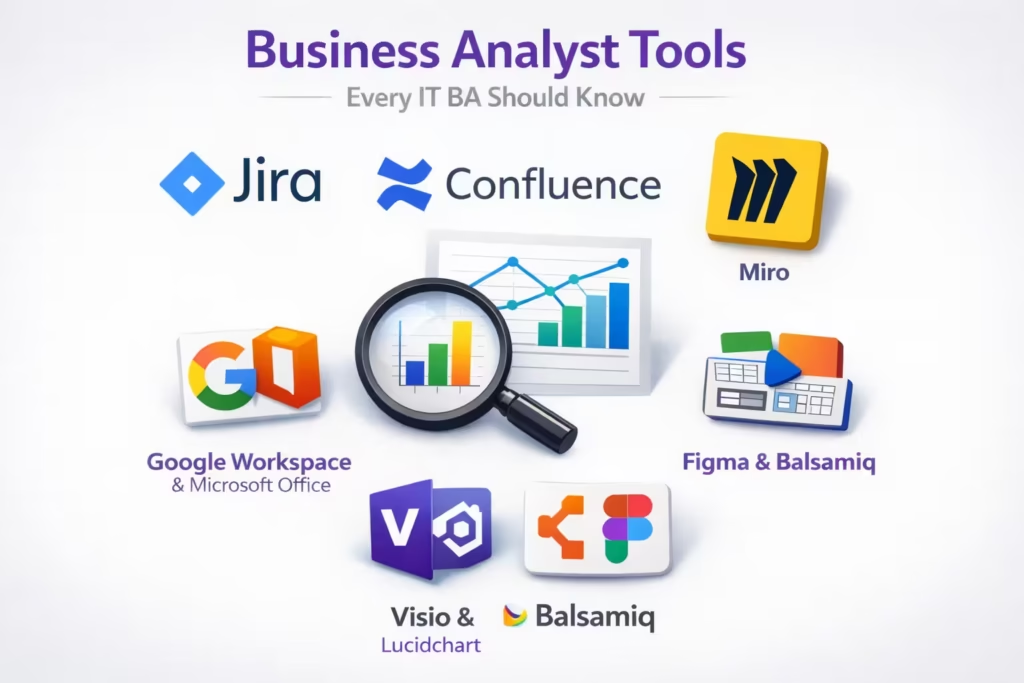
Business Analyst Tools Every IT BA Should Know: Jira, Confluence, Miro & More
If you’re working as an IT Business Analyst, your value is not just in what you know it’s in how effectively you work. And tools play a big role in that.
Let’s be clear: tools won’t make you a great BA. But not knowing them will slow you down.
Here are the key tools every IT Business Analyst should know, why they matter, and how they actually help in real projects.
1. Jira
Jira is not optional anymore. If you work in Agile teams, this is your daily workspace.
What you use it for:
- Writing and managing user stories
- Creating epics and tasks
- Tracking sprint progress
- Managing bugs and issues
Why it matters:
Jira is where execution happens. If your requirements are not clearly written here, your development team will struggle.
2. Confluence
Think of Confluence as your knowledge base.
What you use it for:
- Documenting requirements
- Writing BRDs / FRDs / user stories
- Creating process flows
- Sharing meeting notes
Why it matters:
Good documentation reduces dependency. Stakeholders shouldn’t have to chase you for clarity.
3. Miro
Miro is where ideas come alive visually.
What you use it for:
- Process mapping
- User journey mapping
- Brainstorming sessions
- Wireframes and flows
Why it matters:
Not everyone understands text-heavy documents. Visuals make things clear instantly.
4. Google Workspace & Microsoft Office
These are your daily execution tools. You can’t avoid them.
What you use them for:
- Writing documents (Docs / Word)
- Data handling and tracking (Sheets / Excel)
- Presentations (Slides / PowerPoint)
- Collaboration and sharing
Why it matters:
Every requirement, report, and stakeholder communication passes through these tools.
5. Microsoft Visio &
Visio helps you create structured diagrams.
What you use it for:
- Process flow diagrams
- System architecture diagrams
- UML diagrams
Why it matters:
Structured diagrams bring clarity to complex systems.
Alternative:
If you don’t have Visio, tools like Miro or Lucidchart can do the job.
6. Figma & Balsamiq
You’re not a designer but you still need these.
What you use them for:
- Wireframing
- Low-fidelity prototypes
- UI discussions with designers and stakeholders
Why it matters:
They help you visualize ideas before development starts, reducing rework and confusion.
Final Thoughts
Here’s the blunt truth:
Knowing tools doesn’t make you a great Business Analyst.
But not knowing them makes you inefficient.
Focus on this:
- Write clear requirements in Jira
- Keep documentation clean in Confluence
- Use visuals in Miro
- Master documents, data, and presentations in Google Workspace or Microsoft Office
- Use Figma or Balsamiq to visualize ideas early
That combination puts you ahead of most BAs in the market.
If you’re serious about growing as an IT Business Analyst, don’t just “know” these tools use them daily and get sharp.